

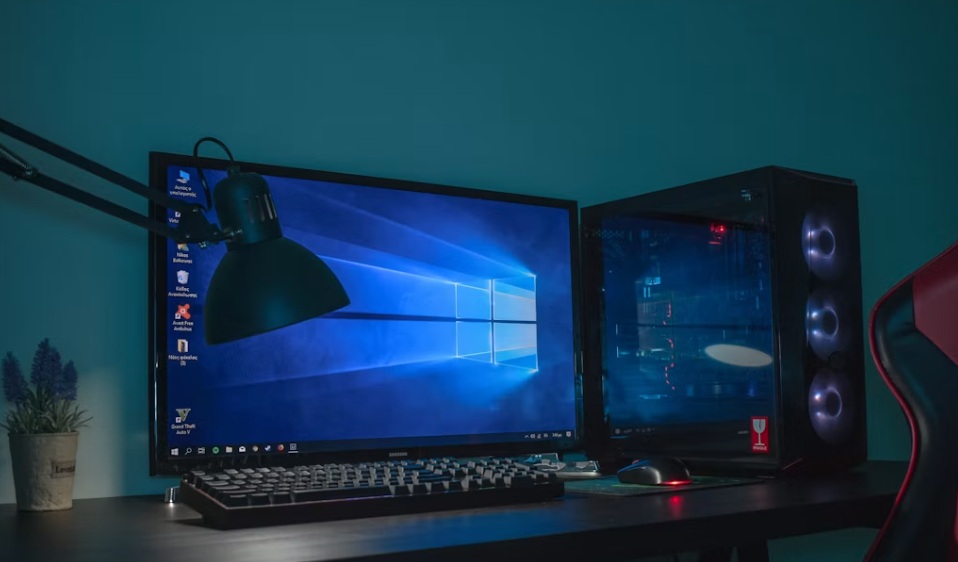
There’s a familiar moment with an ageing computer. You click on a program, wait, click again because you’re not sure anything happened, then watch two copies open at once. When simple tasks start taking longer than they used to, it’s easy to decide the computer has reached the end of its life.
But “slow” doesn’t necessarily mean “finished”. Computers can lose their responsiveness for all sorts of reasons, and some are surprisingly straightforward to fix. Before comparing replacement PCs or browsing components through retailers such as mwave.com.au, it makes sense to find out what is actually causing the slowdown. You may discover that the computer itself still has plenty of useful life left.
Start With the Simplest Possibilities
Not every performance problem is caused by ageing hardware.
Computers gradually accumulate programs, background processes and applications that automatically launch when the system starts. Individually, they may not cause much trouble. Collectively, they can consume resources before you’ve even started doing anything.
Take a look at which programs launch automatically and disable those you genuinely don’t need running all the time. Uninstall applications you no longer use and make sure your operating system and important software are up to date.
It’s also worth checking available storage. A drive that’s almost completely full can contribute to performance problems and leaves little room for new files, updates and temporary data.
These basic checks cost nothing and should generally come before buying new hardware.
An Old Hard Drive Can Make the Whole PC Feel Old
One of the most noticeable weaknesses in some older computers is the storage drive.
Traditional hard disk drives, or HDDs, use mechanical components to read and write data. Solid-state drives, or SSDs, use flash storage and can access data much faster.
If an older PC still runs its operating system from an HDD, moving to an SSD can improve startup times, application loading, and general responsiveness. It won’t make the processor itself faster, but everyday tasks can feel much snappier because you’re spending less time waiting for data to load.
You may not even need to throw away the old drive. If it’s healthy, it can potentially be kept as secondary storage for files that don’t require particularly fast access.
You Might Simply Be Running Out of Memory
Think about how you use your computer compared with five years ago.
You might now keep dozens of browser tabs open while running email, messageing apps, music, cloud storage, and other programs in the background. Your computer hasn’t necessarily become worse at its job. You’re simply asking it to do more.
That’s where RAM becomes important.
When available memory is regularly being exhausted, the computer has to work harder to manage everything you’re running. Adding more RAM can improve multitasking if insufficient memory is genuinely the problem.
Check memory usage while performing your normal tasks before buying anything. If you’re already using close to the available capacity, an upgrade could help. If plenty of RAM remains unused, your slowdown is probably somewhere else.
Heat and Dust Can Cause Problems Too
Open a desktop PC that hasn’t been cleaned in several years, and you may be surprised by how much dust has accumulated inside.
Dust can clog filters, fans, and heatsinks, making it more difficult for the cooling system to move heat away from important components. Computers are designed to protect themselves from excessive temperatures, and some components can reduce their performance when they become too hot.
With the computer properly shut down and disconnected from power, carefully cleaning accessible dust from filters and cooling components can help restore airflow. You should also check that fans are operating normally.
If you’re uncomfortable working inside a computer, have someone experienced do it instead.
Sometimes the Internet Is What Feels Slow
There’s another possibility that’s easy to overlook: your computer may not be the problem at all.
If the frustration mainly involves websites taking ages to appear, videos buffering or downloads crawling along, test the internet connection before blaming the PC.
Try another device on the same network. If your phone, tablet and computer are all struggling, the issue could be your internet service, router or Wi-Fi connection.
If only the PC is affected, an ageing Wi-Fi adapter or poor signal could be responsible. That’s a much smaller problem than replacing an entire computer.
Know When Replacement Really Does Make Sense
Of course, not every old PC deserves another upgrade.
If the processor is significantly outdated, the motherboard limits your upgrade options, and several other components need replacing, costs can quickly add up. You may find yourself replacing the processor, motherboard, memory, and power supply just to achieve the performance you want.
At that point, putting the money towards a newer computer may be the smarter option.
Age alone, however, isn’t a good reason to replace a PC. Start with the problem you’re actually experiencing. Check the software, storage, memory, temperatures, and network connection before assuming the entire machine needs to go.
Sometimes a slow computer really is ready for retirement. Other times, one relatively small fix can make you wonder why you were shopping for a replacement in the first place.
